Can I capture URL parameters (e.g., fbclid, gclid, UTM params) from Surface Forms?
Last updated: July 30, 2026
Context
You may want to capture URL parameters — such as fbclid, gclid, or other UTM parameters — from the page where a Surface Form is embedded, in order to track traffic sources and pass that data to downstream tools like HubSpot.
Answer
Yes, Surface Forms automatically capture URL parameters from the page where the form is embedded. Parameters such as fbclid, gclid, and other UTM parameters are available as selectable options in the workflow builder, so you can include them in actions like Create Form Response when sending data to an integration (e.g., HubSpot).
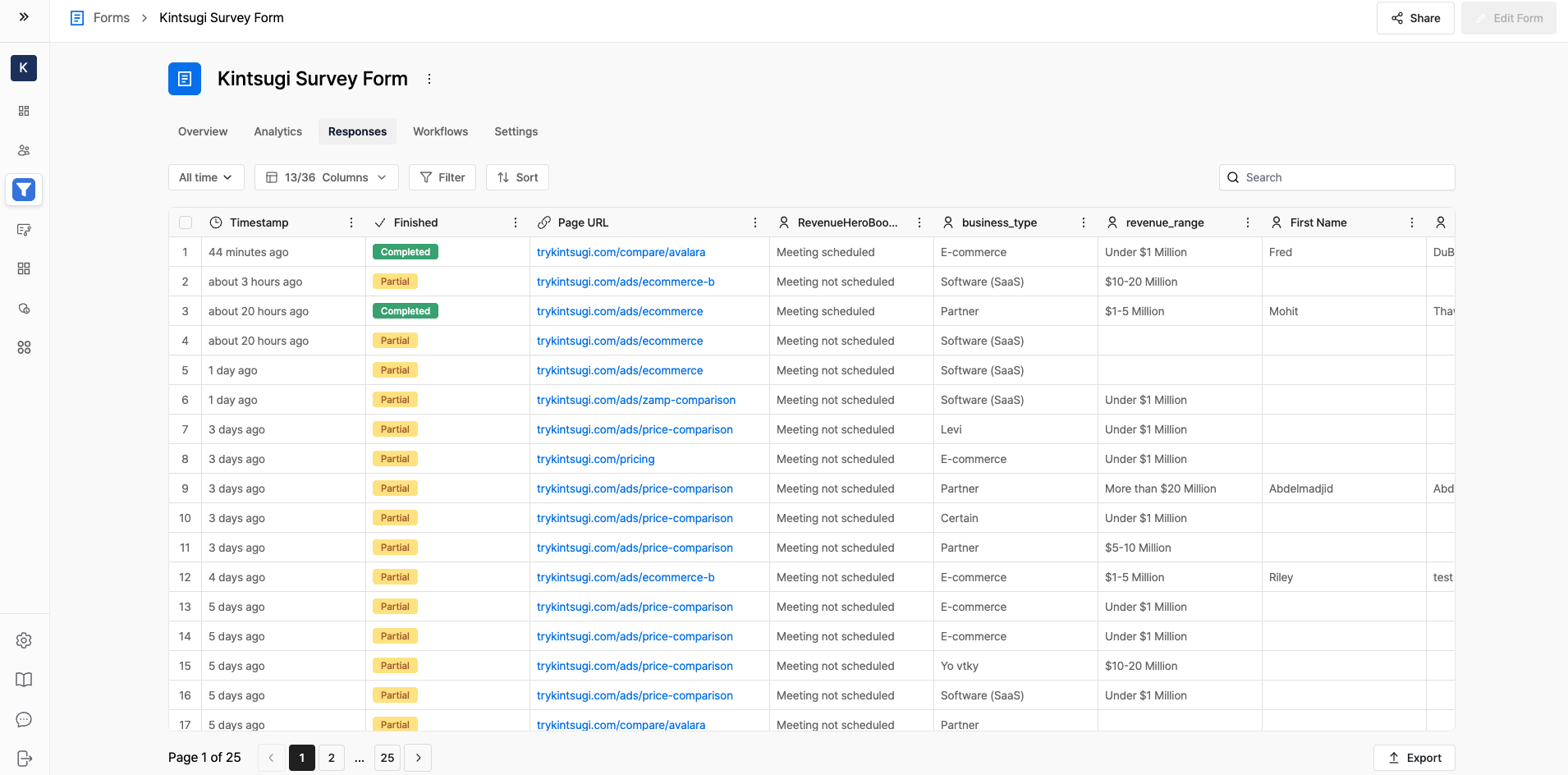
Additionally, the full Page URL is captured automatically for every form submission (including partial submissions). You can view it in your form responses table by enabling the Page URL column via the columns filter.
Note that Surface Forms do not support custom hidden fields. If you need to track a specific URL slug or parameter, use the built-in Page URL capture or the available URL parameter options in the workflow builder instead.