Why aren't my form submissions triggering workflows in HubSpot when a meeting is booked?
Last updated: July 30, 2026
Context
When a prospect books a meeting through a Round Robin (RR) calendar scheduler embedded in a form, the form submission may show a partial status in Surface Labs. In these cases, the associated workflows in HubSpot (and Salesforce) may not trigger, meaning contacts, accounts, and records are not created or updated as expected — even though the prospect receives a calendar/Zoom invite.
Answer
This issue occurs when the Round Robin calendar scheduler is not configured to automatically advance the response to the Completion Step after a meeting is scheduled. Because the response remains in a partial state, the downstream workflows in HubSpot are never triggered.
To resolve this, follow these steps:
Open the Form Builder for the affected form.
Locate the Round Robin calendar scheduler step.
Ensure the scheduler is configured to move to the Completion Step on schedule (i.e., when a meeting is booked). Update this setting if it is not already enabled.
Save the updated form configuration.
For any responses that were already impacted (i.e., submissions that show a booked meeting but remain in a partial/incomplete state), you will need to manually update the response status to Complete. This will trigger the associated workflows to run. The workflow agents are designed to handle deduplication, so no duplicate records should be created even if some manual intervention was performed in the interim.
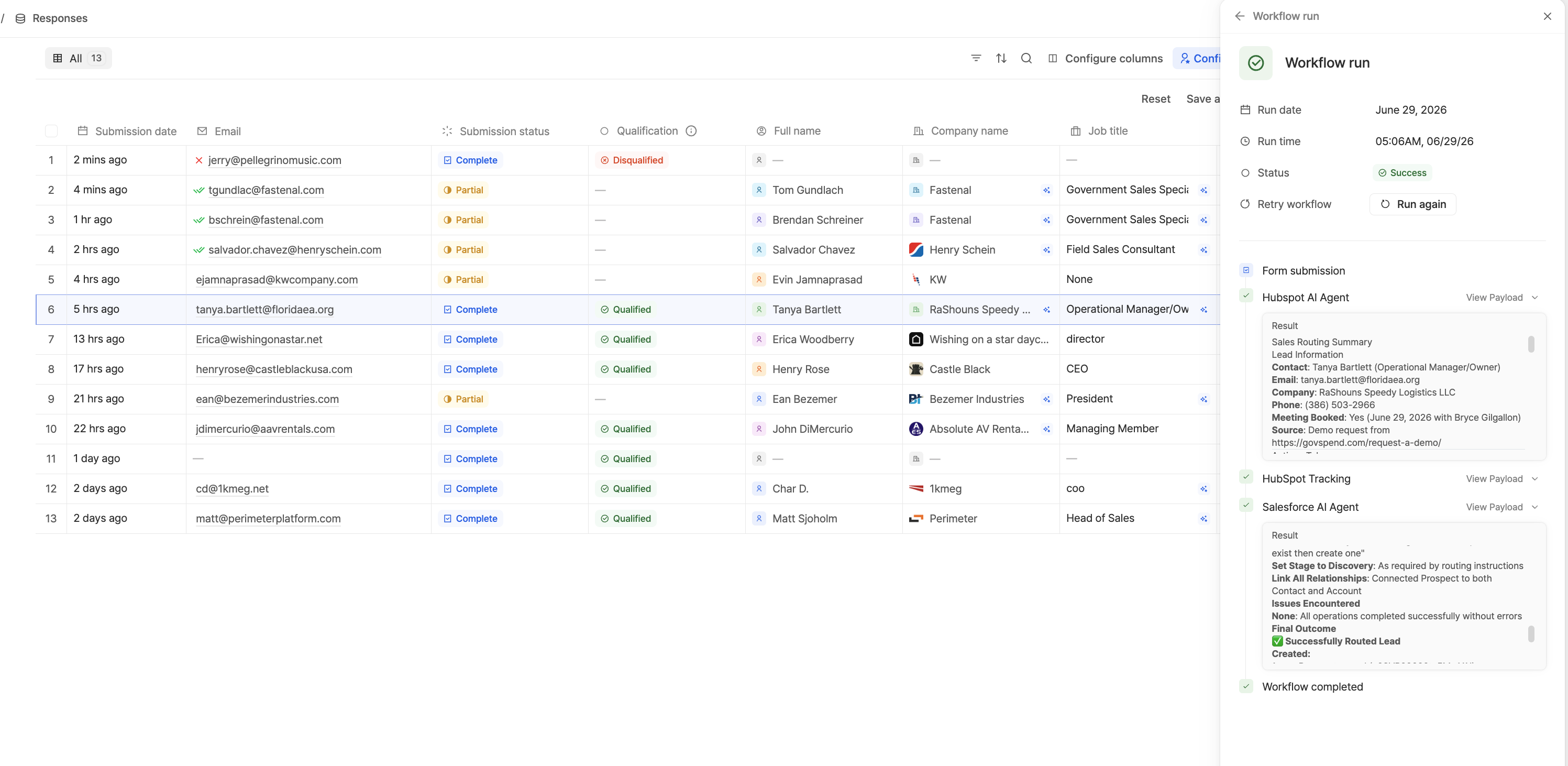
Once the Completion Step setting is properly configured, all future form submissions with booked meetings will automatically advance to Complete and trigger HubSpot (and Salesforce) workflows as expected.